Listen History
Listen history shows the local playback events recorded by the Android app. It can help you recover your place if playback jumps unexpectedly and can also be useful when troubleshooting sync issues.
Open Listen History
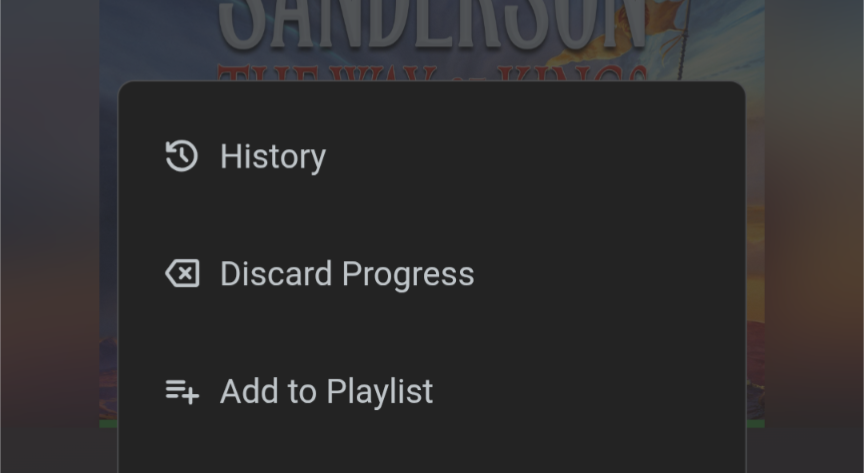
Open the three-dot menu on a library item and select History.
What It Shows
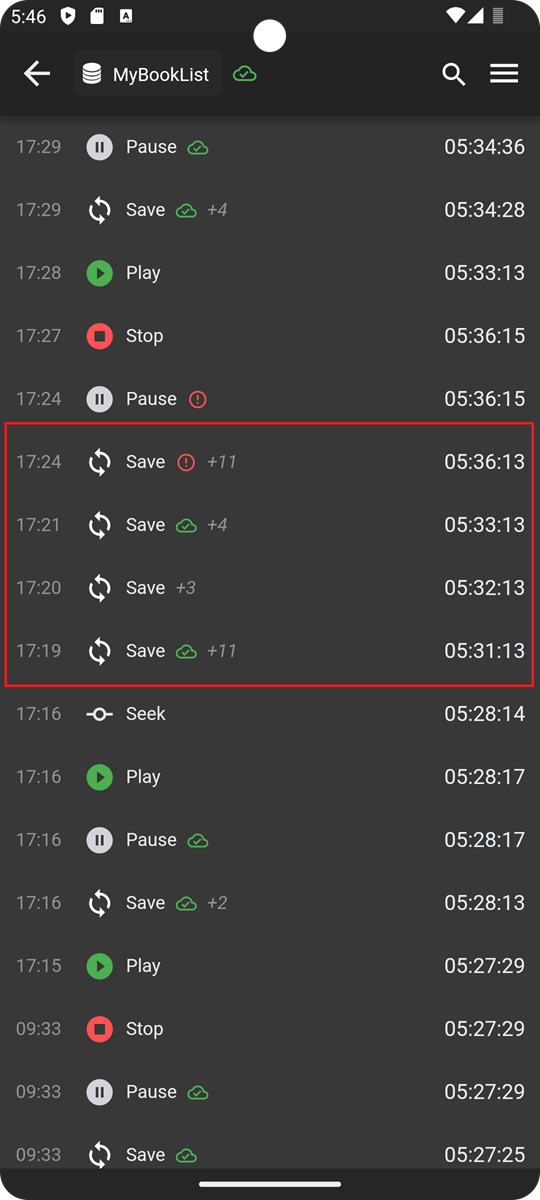
Each row in listen history includes:
- The time the event occurred
- The type of event that was recorded
- The position in the book at that moment
- A sync status indicator, when the event should sync with the server
The sync status indicator is a green cloud when successful, and a red exclamation when not successful. Unsuccessful syncs just mean the server does not have the latest listen position, but is still stored locally.
The app records the following event types: Play, Pause, Save, Seek, and Sync.
Most events appear on their own line. Save events are collapsed because they happen more often than the others, and the row shows how many events were grouped together.
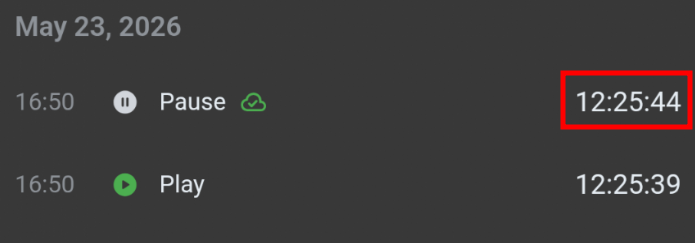
Jumping to previous time
Each event row includes the book timestamp. You can tap on the timestamp to jump to that position, such as accidentally seeking to another location or chapter, or if the server syncs and overwrites the local progress.